
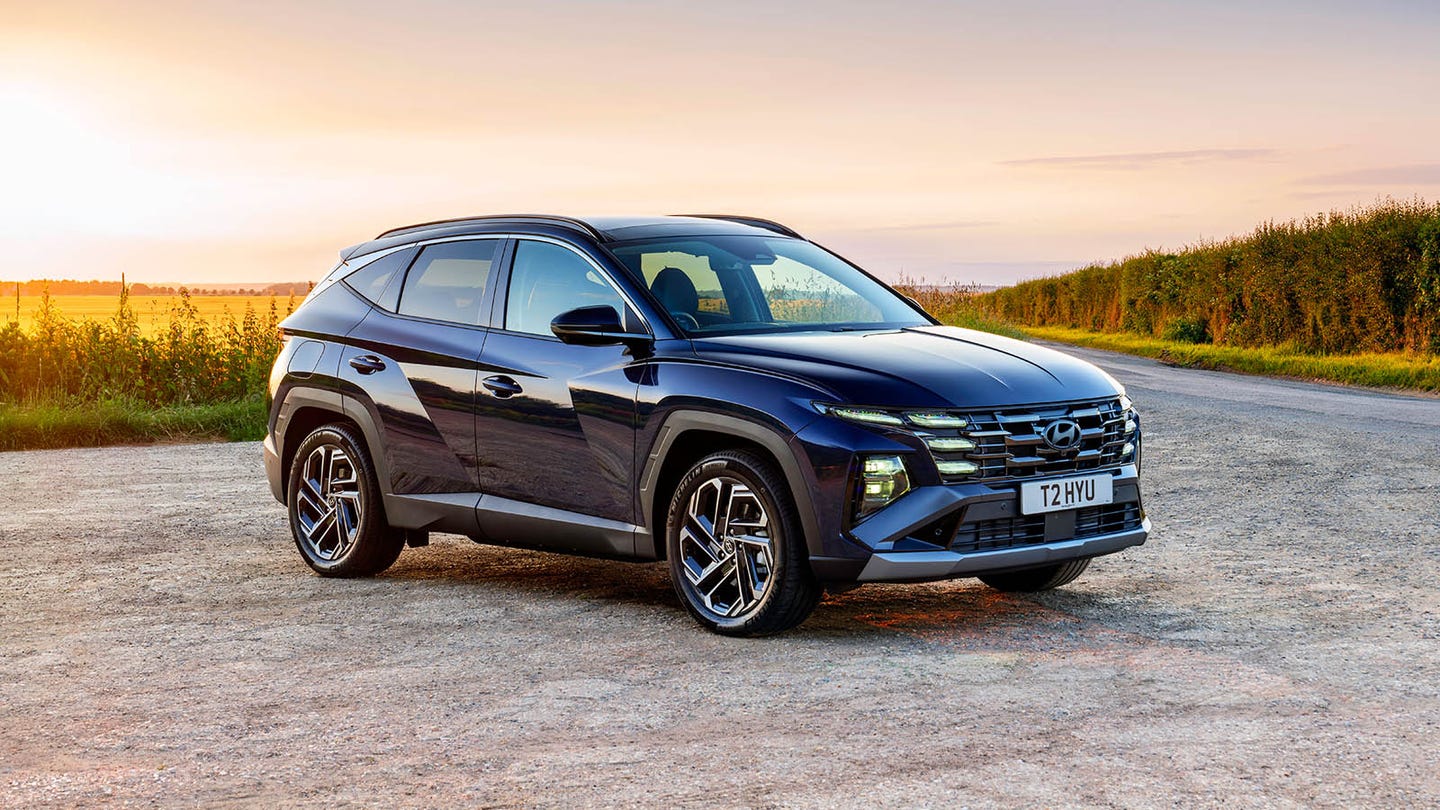









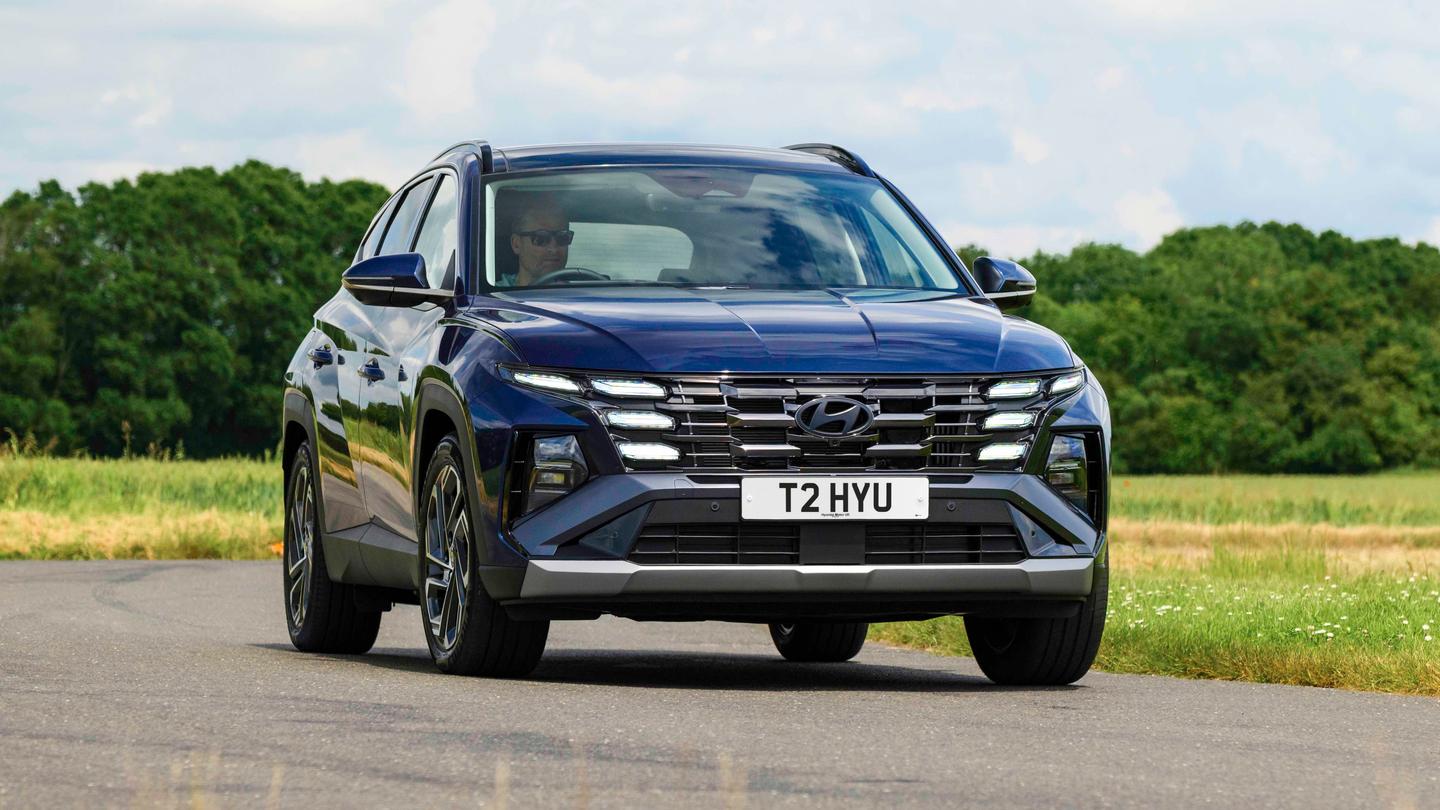

If you’re in a tizz with your Tucson or need help with your Hyundai, you’re in the right place.
The latest Hyundai Tucson is an excellent midsize SUV, and it’s been one of the most popular cars in the UK in recent years. Our owner’s guide will help you with the queries you might have about your car.
Not bought your Tucson yet? Shop our wide range of used Hyundai Tucson cars for sale, or read our Hyundai Tucson review to see if it’s the right car for you.
What is the tyre pressure for Hyundai Tucson?
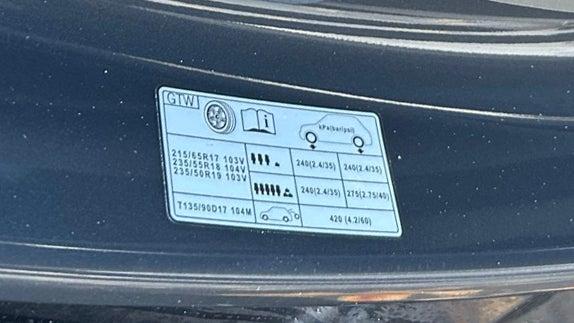
You’ll find the recommended tyre pressures on a sticker in the driver’s door entrance, with the different wheel sizes listed.
This picture shows that the tyre pressure should be 35psi front and rear in normal conditions, and 40psi for the rear tyres when the car is fully loaded. This is the same whether you have 17-inch, 18-inch or 19-inch alloy wheels on your Tucson.
The spare wheel, if fitted, should be pumped up to 60psi.
How to reset Hyundai Tucson tyre pressure
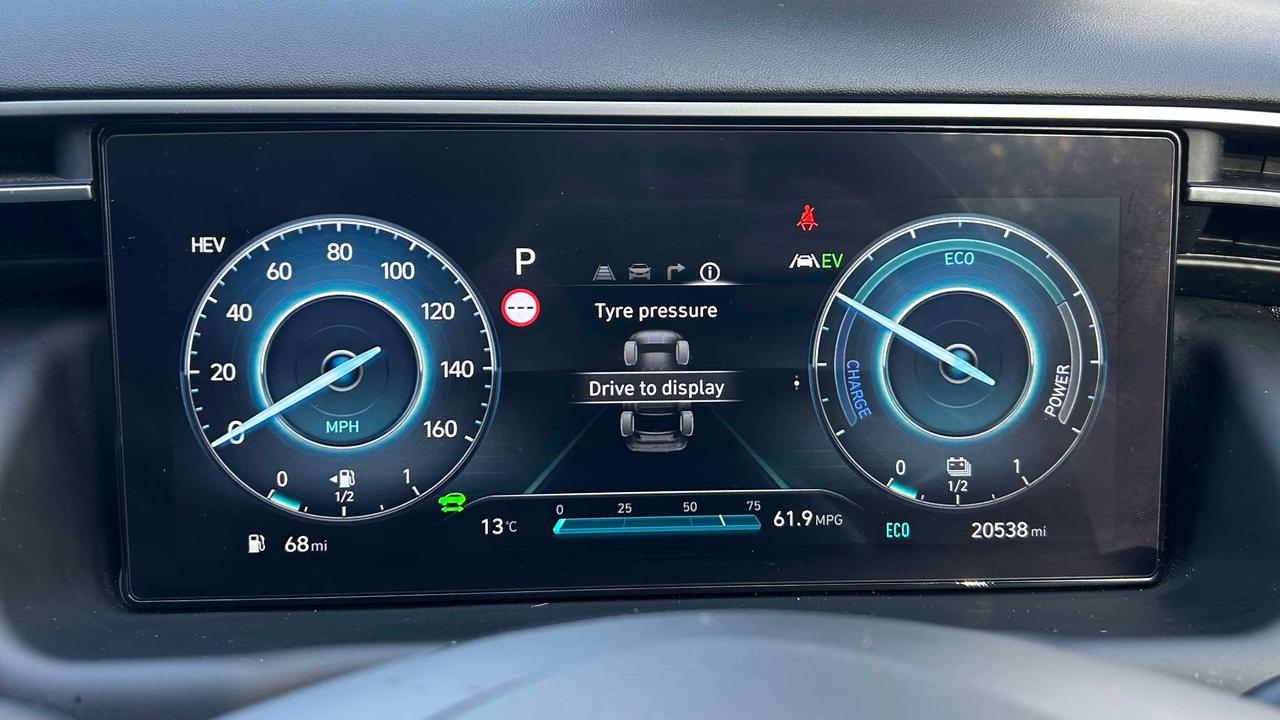
Once you’ve topped your tyres up to the right pressures, your tyre pressure sensors should reset and calibrate themselves automatically after a short-to-medium drive.
How to adjust Hyundai Tucson headlights
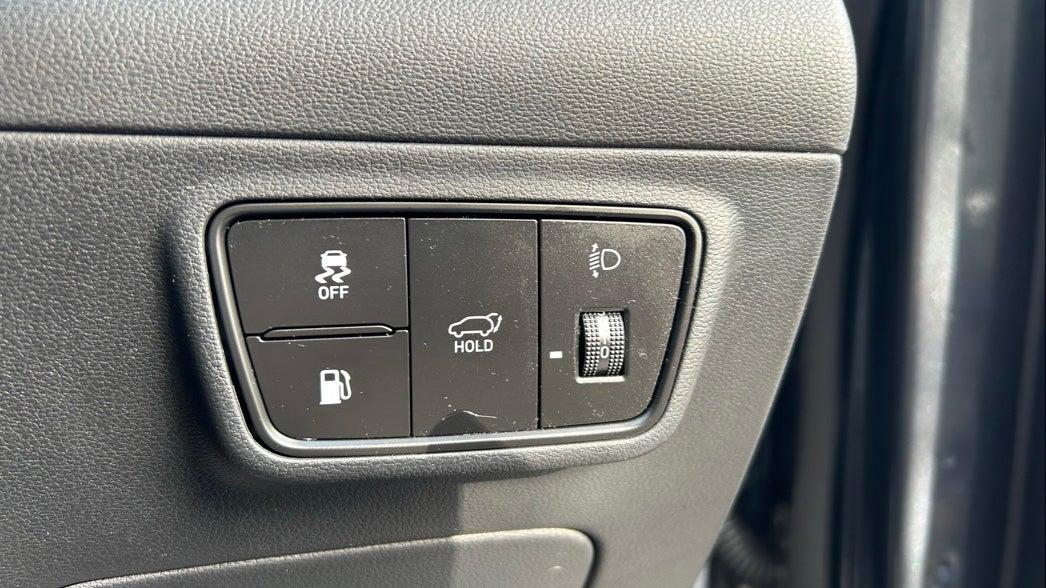
To adjust the level of your headlights, look for the dial on the panel to the right of the steering wheel. You might have to adjust them to a higher number when you’re carrying a heavy load in the boot, because it’ll push the front end of the car up and point your headlights higher up – potentially dazzling other drivers.
Where are fog lights on Hyundai Tucson?
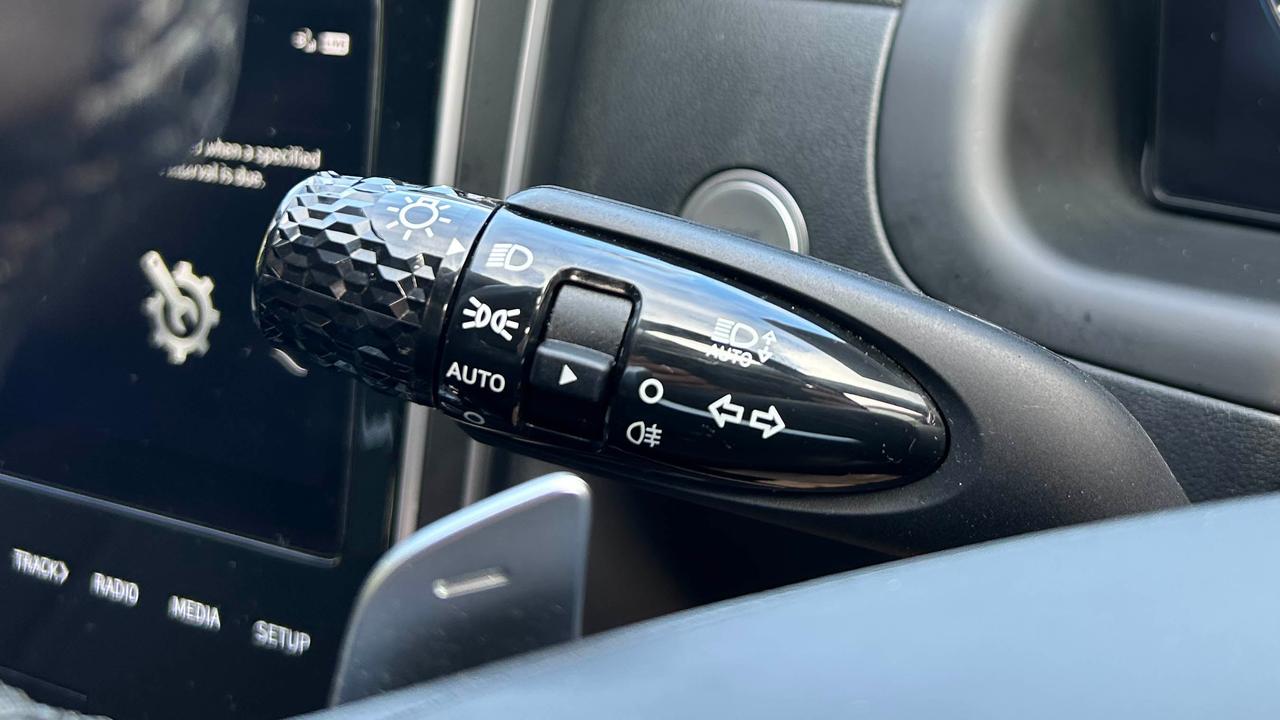
The fog lights are on the indicator stalk. While you twist the end to turn the headlights on and off, you’ll need to look for the switch in the middle of the stalk for the fog lights. Push the switch down to engage the fog lights. You’ll get a fog light icon on the driver’s screen so you know that the lights are on.
How to set cruise control Hyundai Tucson
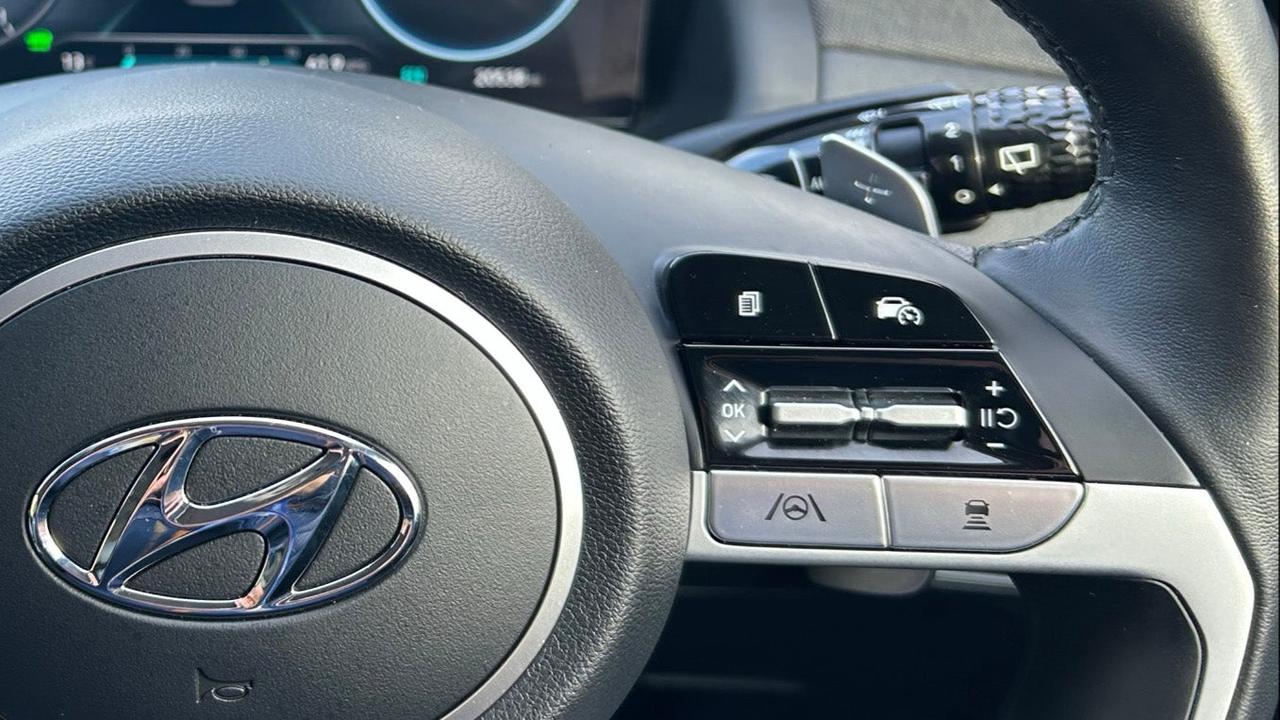
The cruise control is activated by pressing the button on the steering wheel that has the outline of a car with a speed dial. You’ll need to accelerate to your desired speed and press the button to keep the car at that speed, although you can increase or decrease the cruise control speed by pressing the up/down arrow.
If fitted, the button with the car and three lines beneath it is the following distance for the adaptive cruise control system – meaning you can change how close you can get to the car in front before the car will start to slow down.
How to change miles to km on Hyundai Tucson
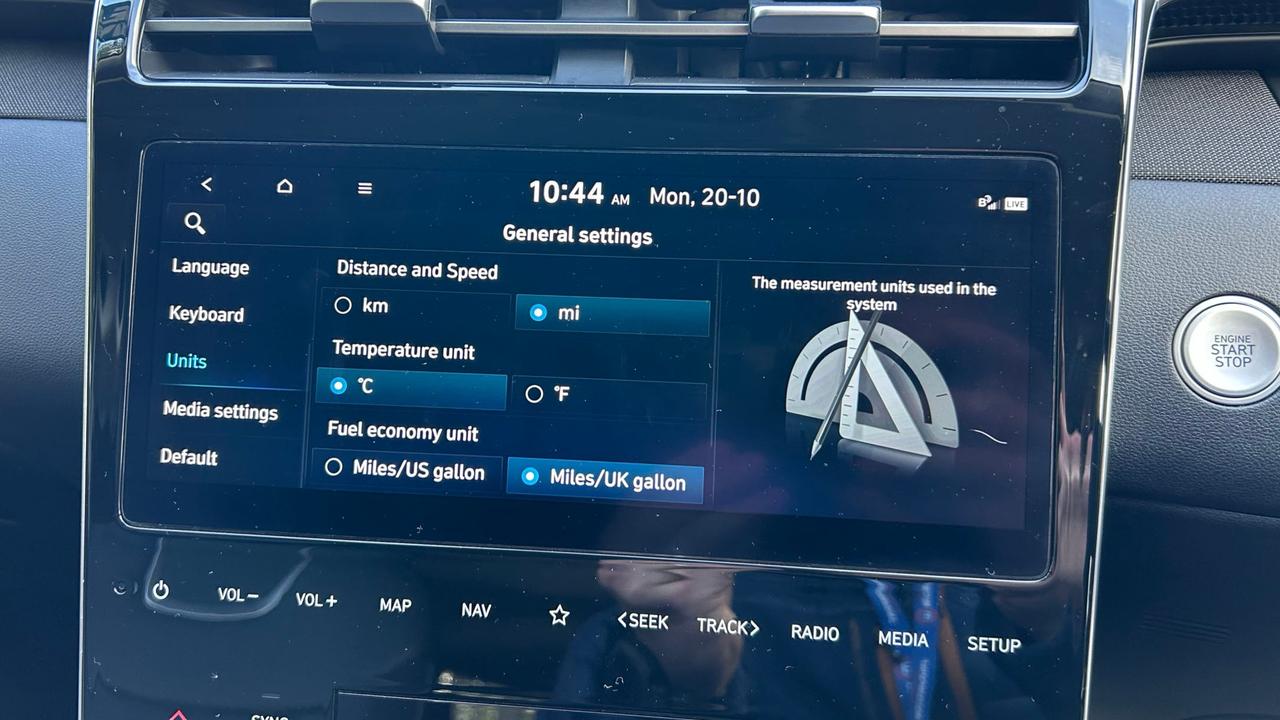
In the settings menu, go to General Settings and then the Units submenu. Here you can change from miles to km, or vice versa.
You can also use the search button and type ‘units’ to reach the menu.
How to connect phone to Hyundai Tucson
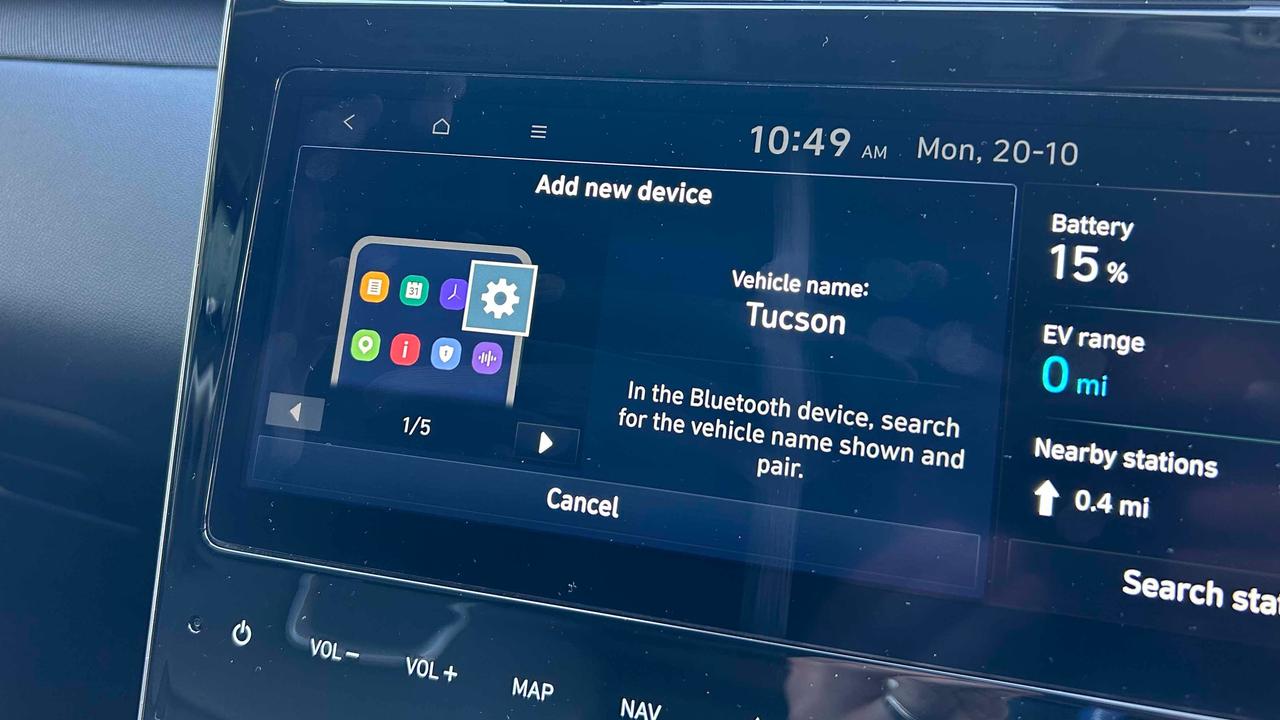
To pair a phone to the Hyundai Tucson, go to the phone menu and add a new device. Bluetooth needs to be on in the car and on your phone, and you’ll select the Hyundai on your phone. Check the numbers on the screens match and accept the connection.
Then, you’ll be able to use the phone and music functions on the screen, as well as connect via Apple CarPlay or Android Auto.
How to fold the back seats in Hyundai Tucson
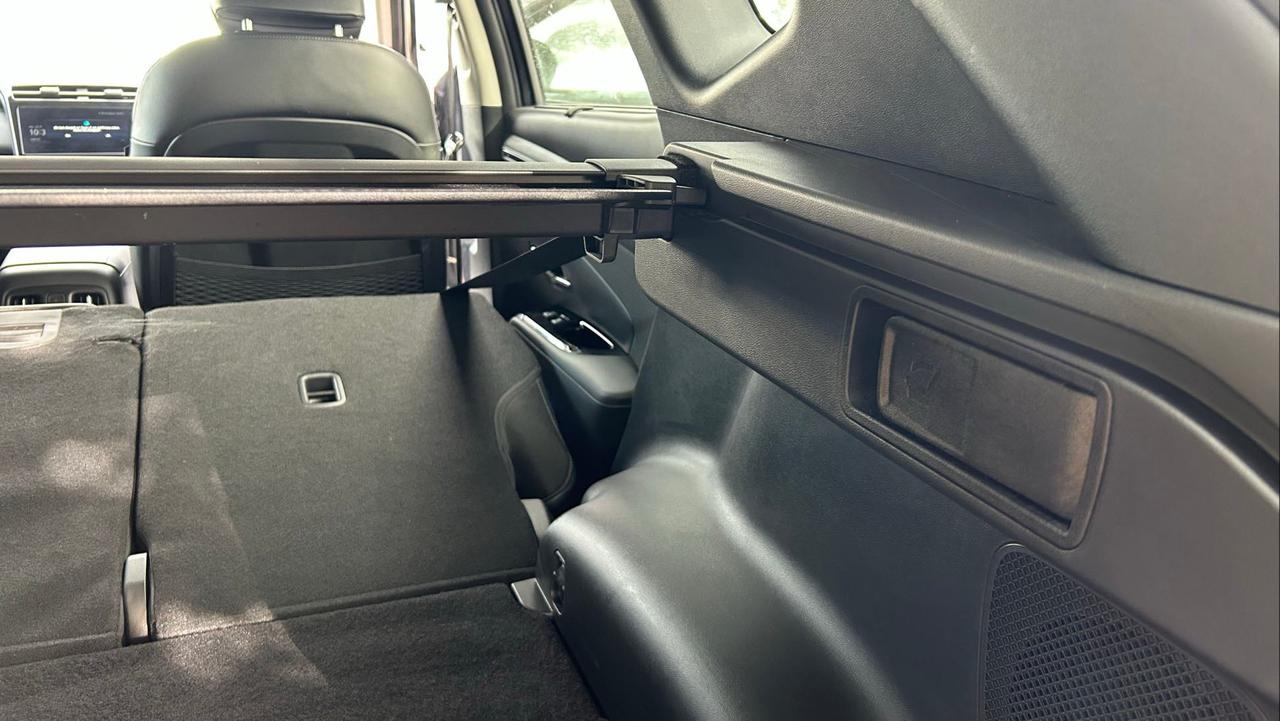
You can fold the back seats down from the boot, if you wish. Open the boot and you’ll see a lever on each side; pull this and the corresponding seat will fall forwards. Alternatively, pull the lever on the top of the seat to fold it down.
How to charge Hyundai Tucson plug-in hybrid
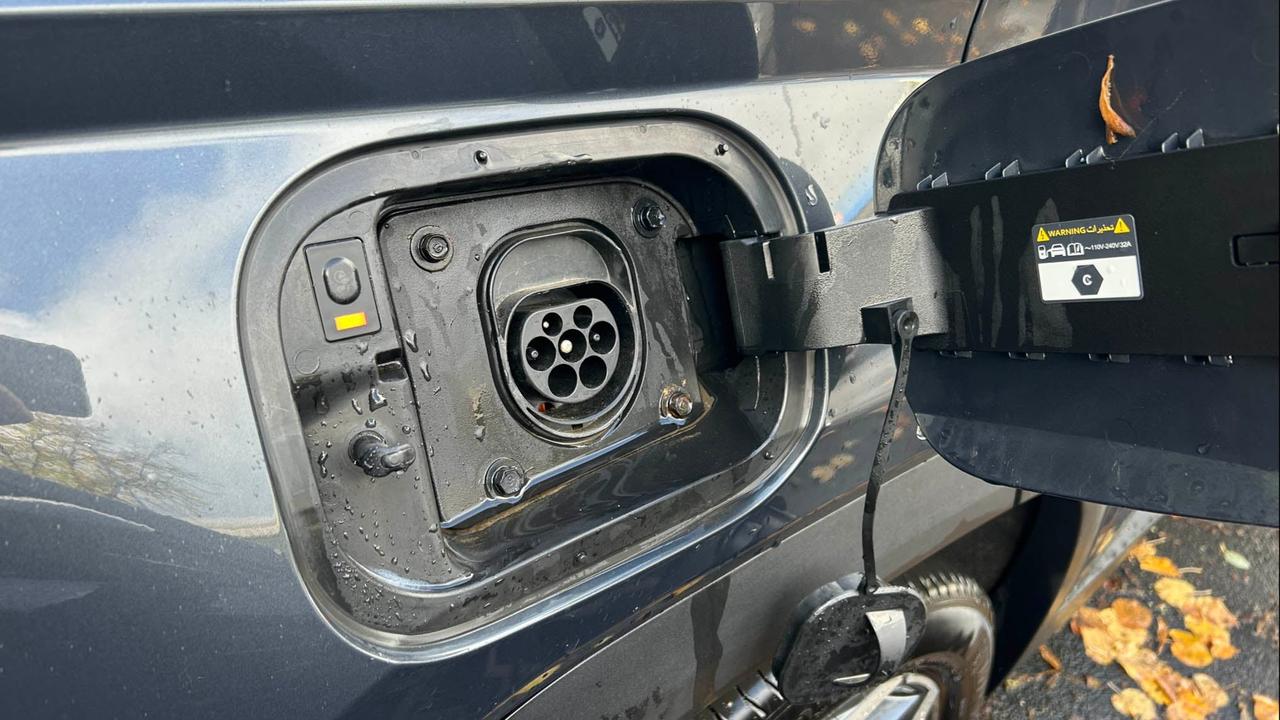
The Hyundai Tucson plug-in hybrid can charge from an Type 2 charger at up to 7.4kW – this typically means you’ll be able to charge it from a home wallbox or from a less powerful standard household plug socket.
Simply press the charge port door open and plug the car in. You can schedule charging through the car’s screen or through the Hyundai phone app.
Read our guide to charging a plug-in hybrid for more information.