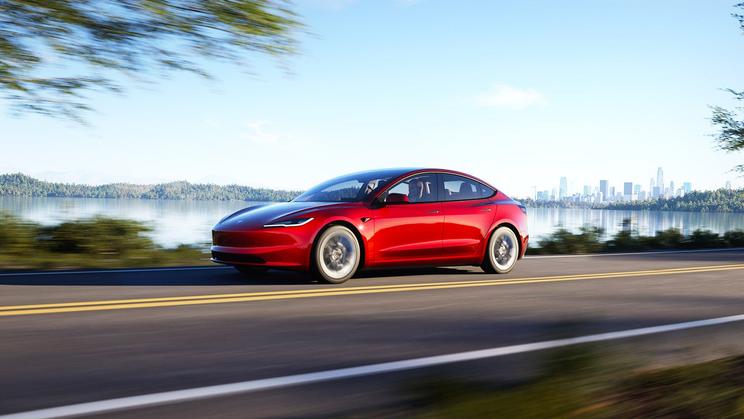











You can leave the tent at home if you have a Tesla.
One of the benefits of buying an electric car is that the climate control can usually be adjusted without having to keep an engine running. Many electric cars let you precondition the cabin from your phone, but the Tesla Camp Mode goes further than that.
What does Tesla Camp Mode do?
Tesla Camp Mode does the following:
- Keeps the cabin at comfortable temperature for hours on end and controls airflow
- Stops your windows fogging up
- Keeps USB and 12V sockets providing power
- Lets you use the speakers for music or streaming
- Displays campfire on screen for a few minutes
- Disables interior monitoring alarm
- Disables keyless door locking
- Disables Sentry Mode (which uses the car’s network of cameras to record around the car when it’s locked)
- Turns on interior lights when you open a door
Tesla’s camping mode does all of these things to give you a good night’s sleep if you decide to stay overnight in your car. You can use the USB and 12V sockets to power devices, such as phone chargers or a mini fridge.
When to use Tesla Camp Mode
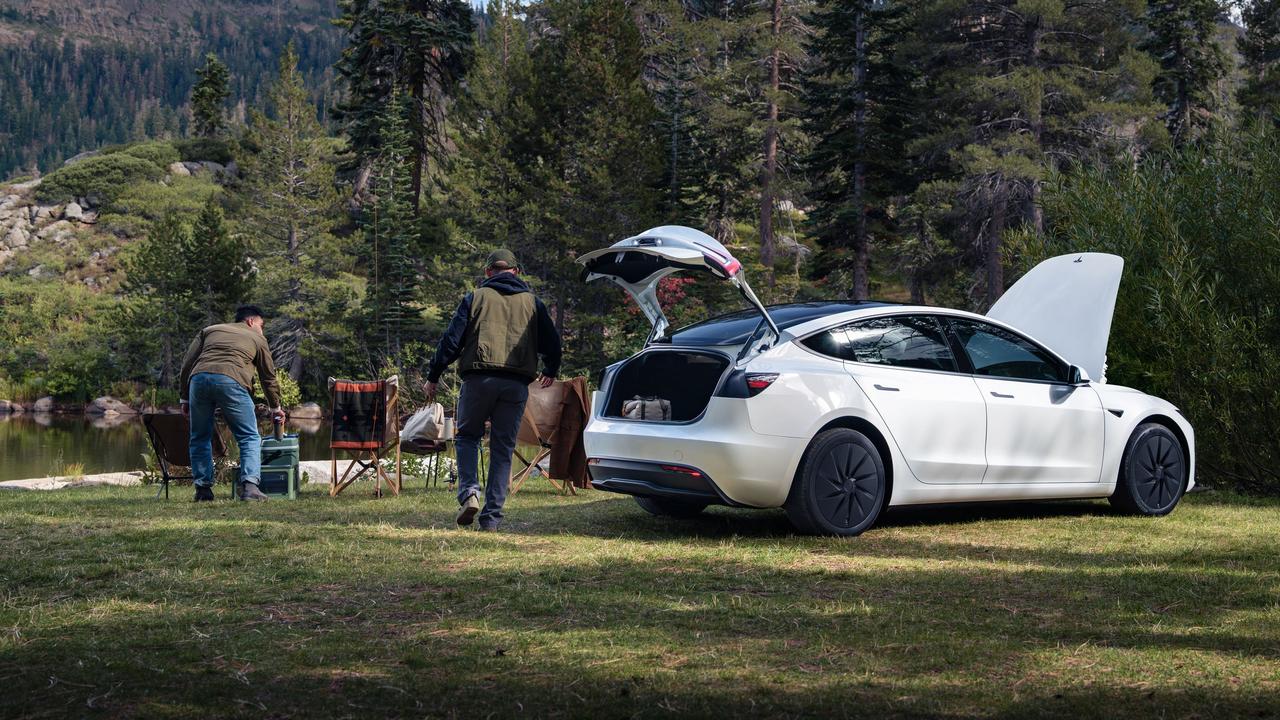
Clearly, Tesla Camp Mode is meant for overnight stays – and it’ll keep your cabin at a nice temperature regardless of how hot or cold it is outside. So you could feasibly use your Tesla as a hotel room in the middle of winter or during a blazing heatwave.
However, we could also see it coming in handy if you need to use your Tesla as an office. If it’s not possible or comfortable to work at home, you could enable Camp Mode to keep the interior at the same temperature all day.
Tesla Camp Mode typically uses about 1% of the car’s charge per hour of use – although it could use more power in extreme temperatures. This means leaving Camp Mode on for a whole night will use around 10-15% charge.
It’s worth noting that Tesla Camp Mode switches off if the car drops to 20% charge to make sure you’re not stranded with an empty battery.
Alternatively, the ‘Keep’ mode runs the climate control while the car is locked, which is useful for shorter periods when you want to keep the car’s interior at a certain temperature.
How to enable Tesla Camp Mode
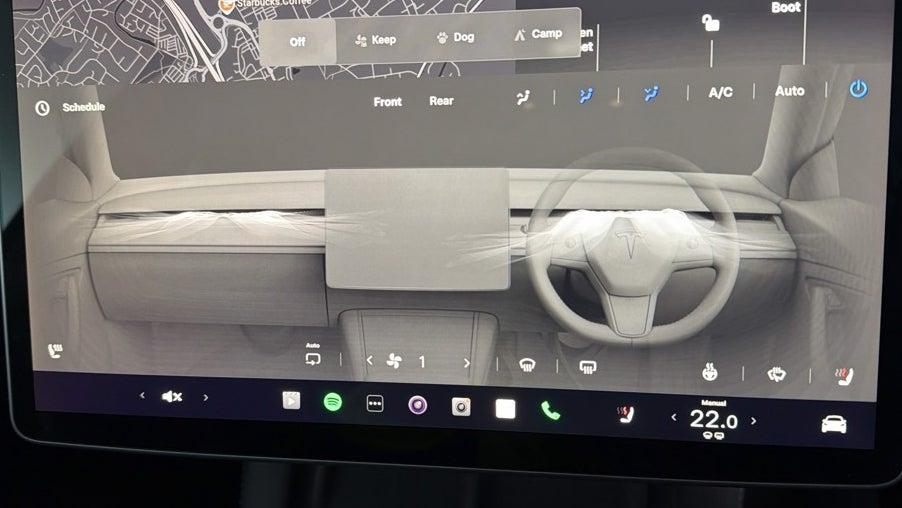
Click the air conditioning temperature at the bottom of the screen to bring up the climate menu. Then above the main climate options you’ll see a row of options including Dog and Camp. Press the Camp icon to start the Camp Mode menu.
You can also turn on Camp Mode from your Tesla app.
Tesla camping tips
- To ensure the car is locked, click the lock button on the touchscreen before enabling Camp Mode. Don’t lock the car through your phone, as it won’t be locked from the outside if phone key is enabled
- If you’re going to be using your Tesla Camp Mode regularly, it’s worth setting up a driver profile dedicated to your Camp Mode settings. This allows you to set the driver’s seat to a specific position – for example fully forward so you can sleep behind it – and remembers your air con presets and screen brightness settings
- Sunshades and window blinds are worth investing in if you don’t want to wake up with the sunrise (or want some extra privacy)
- Some small interior lights stay on as a safety feature. Cover them with something if this will bother you
- Frunk and under-boot storage provide plenty of space for creature comforts for a night or two
- Depending on where you’re staying, you may be able to charge the car overnight while sleeping in it
- Enjoy stargazing through the expansive glass roof and the freedom of car camping
Time to try out a Tesla?
If Tesla's camping mode sounds like something you need in your life, shop used Tesla cars for sale at Motorpoint. Or, read our Tesla Model 3 review and Tesla Model Y review for more information on each model.