












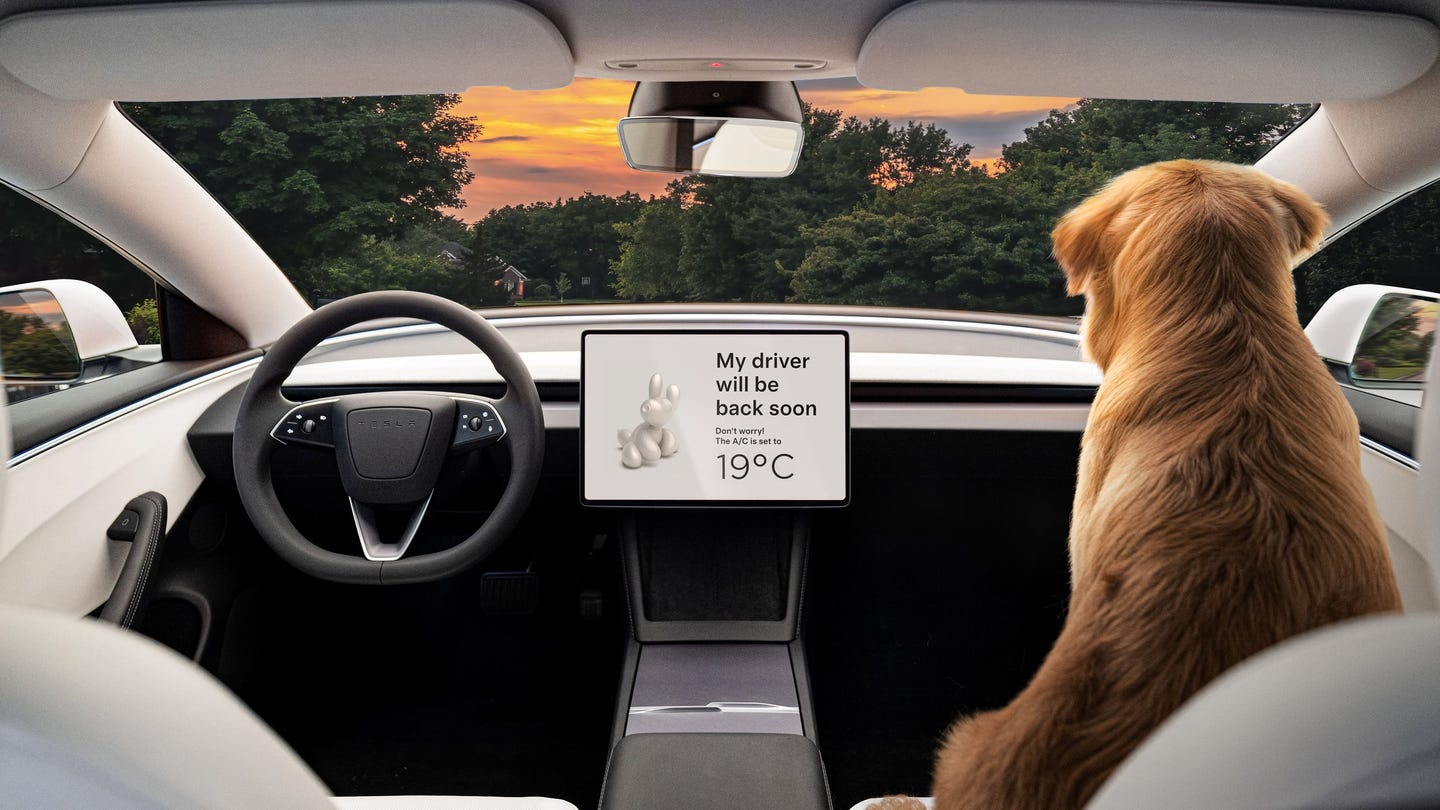

Dog owners are familiar with leaving the windows open a bit when running errands.
But doing this leaves your vehicle unguarded against the elements or a keen thief – and, more importantly, you have no idea whether your pet is actually staying cool or not. A car can heat up quickly, and dogs have suffered in hot cars even with the windows open.
Tesla’s Dog Mode (also called Pet Mode) is a much better way of keeping your furry friend cool. It keeps the cabin at a set temperature and keeps you updated – so you know that your pet is comfortable and not overheating. It also displays a message on the screen to try and prevent heroic passers-by from breaking the windows to rescue the animal.
While there’s no time limit on Dog Mode, it’s meant for short periods of time, like running a quick errand or nipping into a place that isn’t dog friendly. Please don’t leave your dog in a car for a long period of time.
What does Tesla Dog Mode do?
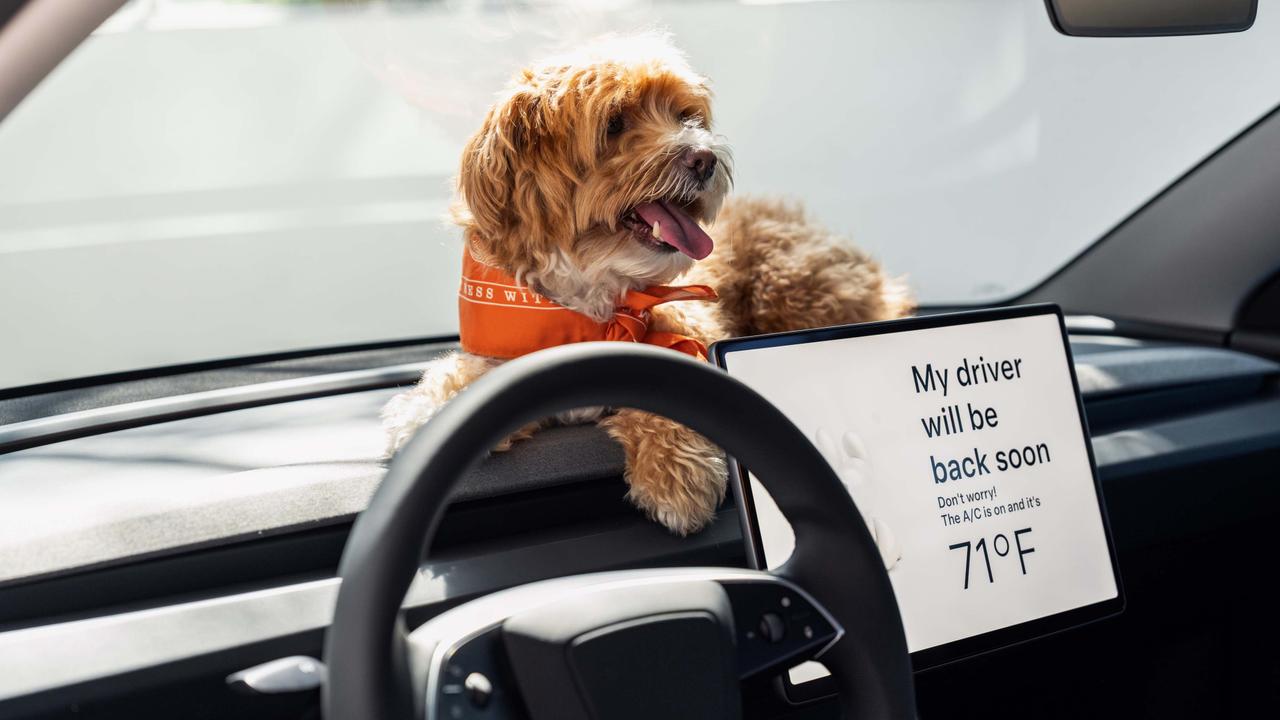
Tesla Dog Mode does the following:
- Keeps the climate control running at a preset temperature
- Disables interior window switches
- Locks the car
- Displays a message on the touchscreen to say that Pet Mode is on and that the cabin is at a comfortable temperature
- Disables the alarm sounds on the car’s Sentry Mode (the network of cameras that monitor its surroundings when the car is locked) to avoid frightening your pet
- Displays information about the cabin temperature on your phone
How to enable Tesla Dog Mode
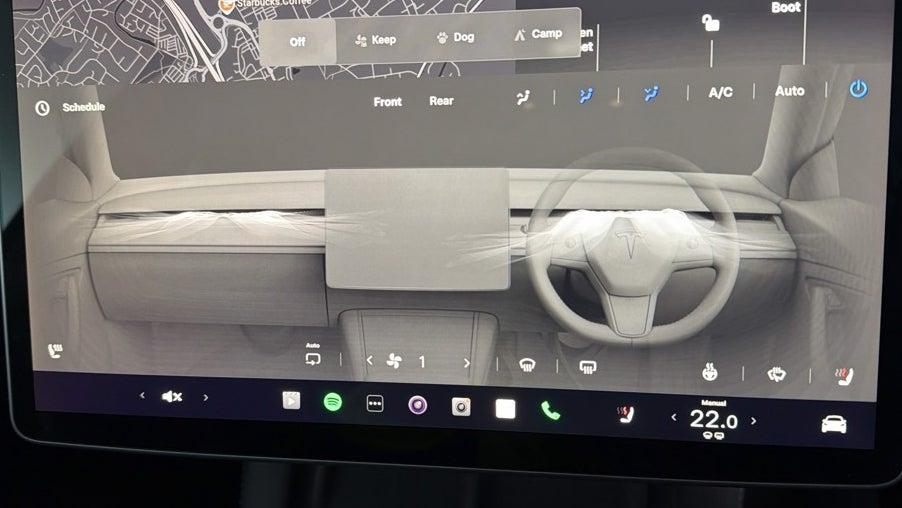
To enable Tesla’s pet mode, put the car into ‘park’ and go into the climate menu. You’ll find a row of settings for ‘Keep’, ‘Dog’ and ‘Camp’. Select the Dog option to activate the Dog Mode.
The Keep mode is useful for scenarios like when you’ve got groceries in the car on a hot day, while the Tesla Camp Mode keeps the air con on overnight.
How does Tesla Dog Mode work?

Tesla’s Dog Mode means the car is locked and turned off, but the air con can continue to run. This is a key benefit of an electric car – in a fuel-powered car you’d have to have the engine running, which means you can’t leave the car locked. And, obviously, you’re producing exhaust emissions.
You can use the Tesla phone app to check on your pooch while this setting is on – including using the interior cameras to get a live view of what your dog’s up to in the car.
Dog Mode typically uses around four miles of range per hour, although this might increase if the external temperature is particularly extreme.
Note that Dog Mode will turn off if the car’s state of charge drops to 20% or lower. At this point you’ll get a notification prompting you to return to the car.
Tesla Dog Mode tips
- The View Live Camera function has a limited use time per day (usually 15 minutes continuously and one hour cumulatively), and requires the Premium Connectivity subscription
- You can adjust Pet Mode on your phone from the climate menu
- Pet Mode is customisable: you can change the name of your pet on the display and change the image. However, we would question the benefit of having your pet’s name on the screen for all to see
- This mode won’t work if there’s a problem with the climate control system
- Software updates can’t be installed while Dog Mode is running
- Tesla doesn’t recommend using pet mode for humans
Time to try out a Tesla?
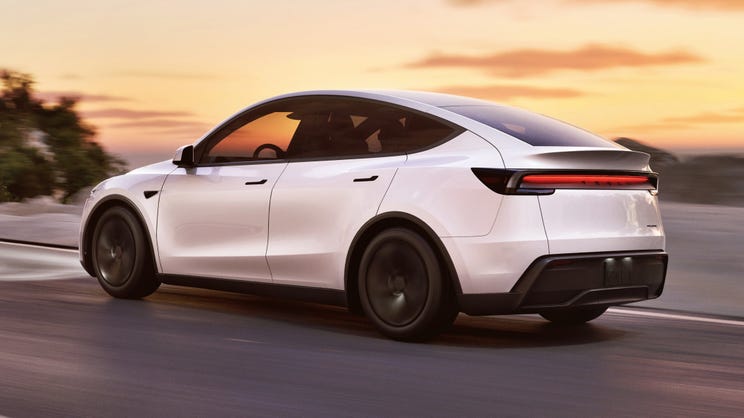
If Tesla's dog mode sounds like something you need in your life, shop used Tesla cars for sale at Motorpoint. Or, read our Tesla Model 3 review and Tesla Model Y review for more information on each model.